
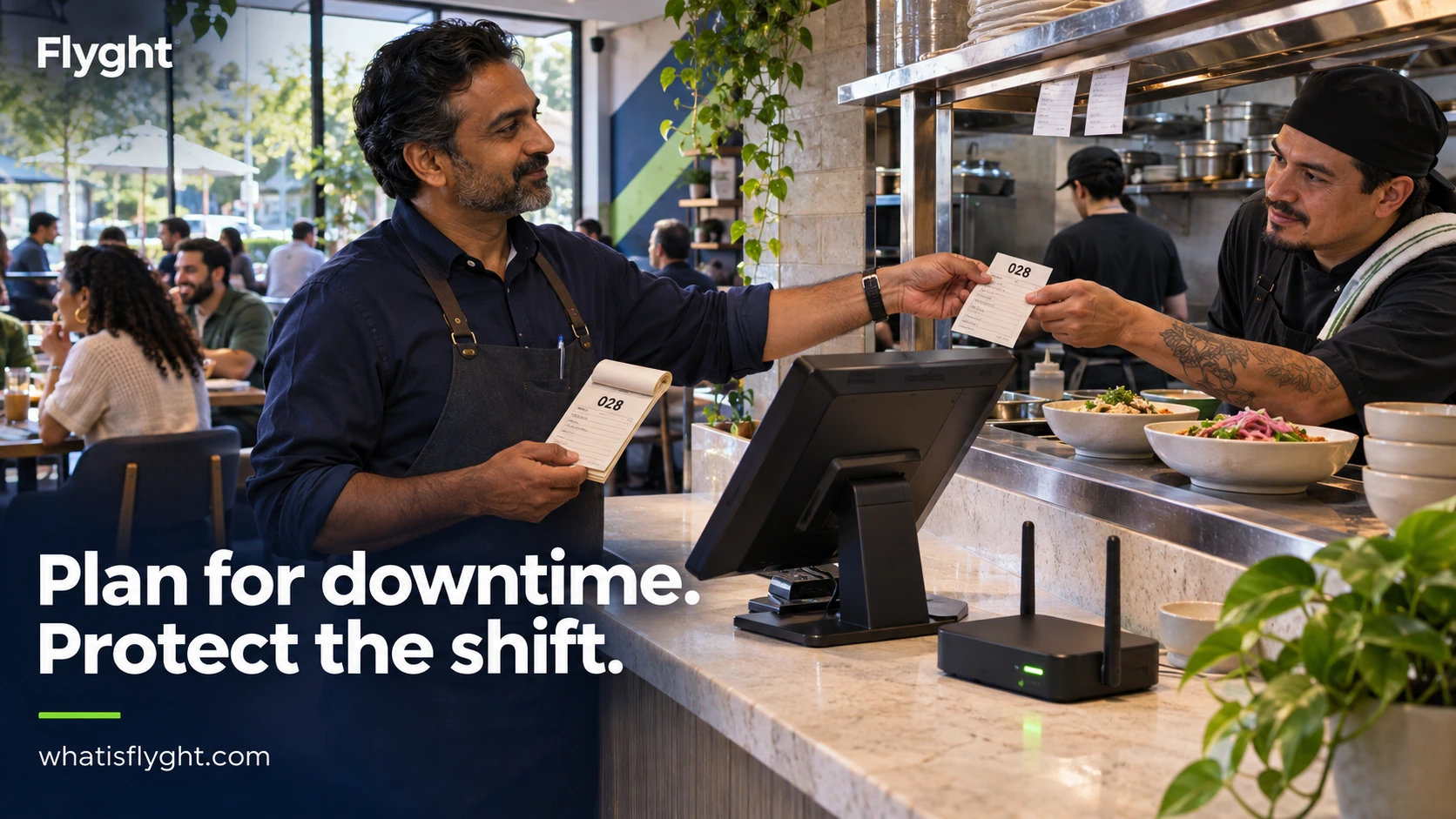
It's Friday night, and one server says the kitchen printer is dead. Another can't close a check. Online orders have stopped, and a card reader is spinning. Everyone looks at the manager.
That's the wrong time to invent a plan because POS downtime isn't just a tech problem. It's an operations problem that happens to involve tech. Your first job is to contain the disruption while one owner runs the diagnosis.
A better response keeps orders controlled, protects payment data, and hands your technical contact useful facts. Here's how to build it.
First, find the size of the outage
Don't start by pulling power cords before you check the scope.
Three questions: Is one device down? Is your local network down? Is an outside service down? Each answer sends you somewhere different.
Check the service path
Walk each part of your transaction path:
- Can another POS terminal enter an order?
- Can the kitchen display or printer receive it?
- Can a payment terminal reach the processor?
- Can a manager open the POS back office?
- Are online orders arriving?
- Are phones and guest WiFi also down?
One terminal fails while everything else works? Probably a device problem. Every connected system fails? Suspect your network or internet connection. Local orders work but one cloud feature doesn't? Check the provider's status page.
And resist the urge to diagnose by committee. Put one person on technical checks. Keep everyone else serving guests.
Put one manager in charge
Your POS downtime lead controls the floor. That person decides when to use manual tickets, pause online ordering, or limit the menu, and records the start time and affected systems.
Then assign one technical contact. That person calls support, tests equipment, and reports back to the outage lead. The split matters. Your floor manager can't run service while reading account numbers to an internet provider.
Keep the roles clear because Ready.gov business continuity guidance makes the same basic point: assign responsibility before disruption. Your plan doesn't need corporate language. It needs names, authority, and a working phone number.
Keep orders moving without creating a second mess
Paper works, but bad paper processes don't.
A stack of blank guest checks keeps a server writing. It won't protect your kitchen from duplicate orders, missed modifiers, or unpaid tabs. Your manual process needs enough structure to survive recovery.
Use controlled manual tickets
Keep numbered ticket pads in a known place. Each ticket should capture:
- Ticket number and service time.
- Table, order name, or pickup name.
- Server or cashier initials.
- Item names and quantities.
- Modifiers and allergy notes.
- Kitchen handoff status.
- Payment status and tip status.
You should use duplicate paper when you can. One copy goes to your kitchen. The other stays with your server or cashier. If you use a runner, that person confirms your kitchen got each ticket.
Picture a full-service restaurant with two printers down and twenty open tables. Servers who write free-form notes will use different abbreviations. The kitchen will guess while managers later rebuild checks from memory. Numbered tickets give everyone one reference.
NIST contingency planning guidance treats manual methods as a valid short-term recovery option. Short-term is the catch because paper keeps service moving without replacing the system or its records.
Simplify service on purpose
During POS downtime, protect flow before variety. Pause items with complex build rules if the kitchen can't handle them safely. Cut custom modifiers. Stop taking online orders if they no longer reach the kitchen reliably.
And tell guests what's happening.
Skip the technical explanation. Say the payment or ordering system is having trouble. Give a realistic wait. Let guests choose whether to stay.
Silence frustrates people more than a plain update.
I'd also give servers one approved sentence. The message stays consistent across the room, and staff don't blame a vendor before anyone knows the cause.
Treat offline payments as controlled risk
"Offline mode" sounds simple, but it rarely is.
One POS may keep order entry and kitchen routing running but stop gift cards. Another may capture card transactions for later submission. A third may need a manager to enable offline mode before the outage.
You need the exact answer for your setup.
Confirm what offline mode actually does
Don't ask whether the POS "works offline." Test each function:
- Order entry and check editing.
- Kitchen display and printer routing.
- Card capture and later submission.
- Cash payments and change.
- Tax and service charge rules.
- Tips, receipts, gift cards, and loyalty.
- Refunds, voids, and manager approvals.
- Online ordering and delivery integrations.
Some functions depend on the local network, while others need the internet. A failover connection may restore one without fixing the other.
Offline card capture adds financial risk. The processor hasn't approved the transaction when it's stored. A card can decline after service ends. Your provider may set transaction limits, device limits, or time limits.
Get those rules in writing. Then put them in your outage SOP.
Protect card data
Don't invent a handwritten card process. Staff should never copy full card data because a terminal stopped working.
The PCI Security Standards Council's Guide to Safe Payments explains why merchants must limit where payment data lives and protect it through the whole payment process. Your fallback should use approved POS and processor functions.
You should set an offline transaction ceiling with your processor and finance team. Your policy should require manager approval above your internal threshold. And you should pick the point where the risk is too high and you go cash only.
Yes, that can cost a sale. An uncontrolled payment process can cost more.
Build internet failover that survives the same failure
Backup internet isn't a hotspot in a manager's desk. It's a tested secondary connection that takes over when the primary fails.
Tested is the word that counts.
Use an independent backup path
A common setup pairs wired business internet with a cellular connection. The router watches the primary service and moves approved traffic to the backup when needed. When the main service returns, traffic moves back.
But the backup has to be independent. A second circuit that shares the same building entry, modem, carrier path, or power source can fail with the first. Ask how the backup reaches the internet. Ask what equipment it still depends on.
Then size it for essential work.
Your backup doesn't need to carry every guest stream. It needs to carry POS traffic, payment terminals, approved kitchen systems, phones, and management access. Guest WiFi can wait.
For setup details, read our guide to restaurant WiFi best practices. Your POS shouldn't compete with guest traffic during normal service or an outage.
Protect the local network too
Failover internet doesn't fix a dead router. It doesn't power a switch. It won't repair a bad cable between the POS and the kitchen printer.
This is where plans fall apart.
You need a map of every system between your terminal and the outside world: firewall, router, switches, wireless access points, payment terminals, printers, and kitchen displays. Your power supplies and network cables need labels too.
Then decide what needs battery backup. A cellular modem does nothing if the router loses power. Same for a kitchen display with no protected outlet.
A restaurant tech stack checklist helps you spot these dependencies. You're not after more equipment. You're after fewer hidden failure points.
Write a one-page POS downtime SOP
Keep the plan to one page. Staff need a working sequence, not a policy manual.
Keep a printed copy at the host stand, the manager station, and the office, with the ticket pads. Include account names and support numbers. Leave out passwords.
Include roles, triggers, and contacts
Your POS downtime response plan should name:
- The outage lead on each shift.
- The person allowed to activate offline payments.
- The kitchen handoff process.
- The guest communication rule.
- The order channel pause process.
- The technical support and escalation contacts.
- The conditions for cash-only service or temporary closure.
- The recovery and reconciliation owner.
Your triggers need plain terms. "If two terminals and the kitchen display fail, call the outage lead" beats "assess operational impact." Your staff can act on the first one.
And add a stop rule.
If the team can't protect allergy information, track orders, or handle payments safely, slow down or stop service. Revenue doesn't outrank guest safety or payment security.
Keep the plan available offline.
A runbook stored only in cloud software disappears during the wrong outage. Print it. Save a local copy on a manager device. Keep vendor account numbers somewhere staff can reach without the POS.
You should review your support promises too. Vendor response time matters most after dinner service starts. Our restaurant POS support checklist covers what you should ask about severity, response, escalation, and ownership.
I prefer one accountable support path. Your manager shouldn't have to referee the POS vendor, processor, internet provider, and network installer during a rush. Someone has to own that work.
Recover in a fixed order
The screens come back. The incident isn't over.
POS recovery brings its own risks: duplicate orders, duplicate charges, missed tips, open checks, delayed online orders, and inventory records that no longer match reality. Slow down before you sync everything.
Restore, sync, and reconcile
Recover in this order:
- Confirm the local network and internet connection are stable.
- Confirm core POS functions on one terminal.
- Confirm kitchen routing with a test ticket.
- Review queued offline payments before submission.
- Rebuild or close manual checks using ticket numbers.
- Check online and delivery queues for delayed orders.
- Reconcile tips, refunds, voids, gift cards, and cash.
- Confirm reports before ending the business day.
Don't toss paper tickets after entry. Keep them with your shift records under your normal retention policy. They're your audit trail when a guest questions a charge.
Then tell the team when normal service resumes. One manager makes that call.
Separate outages from security events
A routine provider outage and a suspected breach need different responses. Unexpected administrator changes, unknown devices, altered payment screens, or odd network activity may point to more than failed internet.
If you suspect tampering, stop rebooting. Isolate the affected equipment and call your security contact. The CISA response and recovery planning resources back up clear reporting lines and recovery priorities for incidents.
Our guide to restaurant cybersecurity basics covers the controls around payments, WiFi, and staff access. Link your outage plan to that separate security path.
Test the plan before a rush tests it for you
An untested backup is a hope. Your POS downtime plan needs a drill.
You should run it in a quiet period with technical support on hand. Tell your team it's a test. Then disconnect your primary internet path in a controlled way.
Run the whole service path
Enter an order. Send it to the kitchen. Attempt an approved offline payment. Print a receipt. Check a manager function. Restore the connection and reconcile the transaction.
Then test paper.
One server writes a ticket with a modifier and an allergy note. The team sends it through the kitchen process. After recovery, rebuild it in the POS. Unclear fields show up fast.
Don't stop at a successful failover, though. Check how long the switch took. Note which systems didn't recover. Record who got an alert and who didn't.
You should write it down. You'll want it for your next test.
Review every location separately
Multi-unit brands need one shared standard and local details. Each location may have a different carrier, router, kitchen layout, payment device, or support contract.
You should ask each manager the same questions. Where are your ticket pads? Who can use offline mode? Which number gets answered after closing? What happens if both internet paths fail?
I'd track those answers in one location record. It gives our team a usable baseline for audits, upgrades, and support.
Make downtime someone's job
Reliable systems still fail. What matters is whether your people can handle POS downtime without guessing what comes next.
POS downtime gets expensive when nobody owns the network, the payment rules, the support calls, or the recovery. Vendor finger-pointing fills that gap. Your restaurant pays for it.
Flyght manages the systems around the POS — network, failover, payments, security, integrations, and support. We also test how they behave together at your actual locations.
Your first move should be one controlled outage drill. If the plan breaks, ask Flyght to assess the gaps. You run the restaurant. We'll handle the tech.
Frequently asked questions
What should a restaurant POS outage SOP include?
A POS downtime SOP should include an outage lead, manual tickets, payment rules, kitchen handoff, guest communication, support contacts, stop conditions, and a recovery owner. Keep the plan printed and available without internet access.
Can a restaurant take card payments offline?
Some POS and processor setups can capture card transactions for later submission. Approval isn't guaranteed, and provider limits vary. Use only approved offline functions, set manager controls, and never write full card data on paper.
How can staff keep orders moving during an outage?
Your staff should use numbered duplicate tickets with table details, items, modifiers, allergy notes, kitchen status, and payment status. You should assign one outage lead, simplify service, and pause channels that no longer reach the kitchen.
What backup internet works for a restaurant?
A common choice is automatic cellular failover paired with wired primary service. The backup should use an independent path and carry essential POS, payment, kitchen, phone, and management traffic. Test it at the location.
How often should a restaurant test its outage plan?
You should test after major network or POS changes and on a recurring schedule set by your risk and support teams. You should also test after an outage exposes a gap. Each drill should cover order entry, kitchen routing, payments, manual tickets, recovery, and reconciliation.
Put this guide to work
Run a supervised drill outside service. Confirm which functions survive a primary internet outage, which payment functions are explicitly approved by your provider, and how staff recognize a restored connection. Reconcile queued transactions before declaring recovery complete.

